
Stop Paying Every Time Something Goes Wrong with Your Computer
September 30, 2025
Stop Paying Every Time Something Goes Wrong with Your Computer
Most people only call for computer help when they hit a wall—when email won’t load, when the printer stops working, or when a strange pop-up takes over the screen. Then it’s a stressful scramble to find help… and a bill of $79.99 or more for each visit.
We designed our IT Plan to put an end to that cycle. For a flat $59/month or $600/year (a savings of $108), you get unlimited support and protection.
Here’s What’s Included
- Unlimited Remote Help Desk Support. No matter how small or confusing the problem—slow computer, Wi-Fi issues, email errors—you call us, and we fix it. No extra charges.
- Emsisoft Endpoint Detection & Response (EDR). Your shield against online threats, protecting you from viruses, phishing scams, and ransomware—problems that often go unnoticed until it’s too late.
- Cloud Backup (BDR). Your family photos, tax documents, and personal files stay safe in the cloud. Even if your computer crashes, your data is secure.
Why This Plan Makes Sense
- At $79.99 per ticket, just two or three calls a year already cost more than the annual plan.
- The monthly option is $59, but if you pay yearly it’s $600 total—a savings of $108.
- Either way, you get peace of mind knowing help is always available, without surprise costs.
No more stress. You’ll never have to wonder who to call or what it’ll cost when something goes wrong.
The Bottom Line
Technology shouldn’t be stressful. With our Home IT Plan, you and your family get unlimited help, strong security, and automatic backup—all for one predictable price.
We've seen it tones of it in just the last few weeks. Different customers. Different emails. Same result: hacked computers, stolen passwords, and hackers controlling their machines remotely. Here's what's happening—and what you need to know to avoid becoming the next victim.
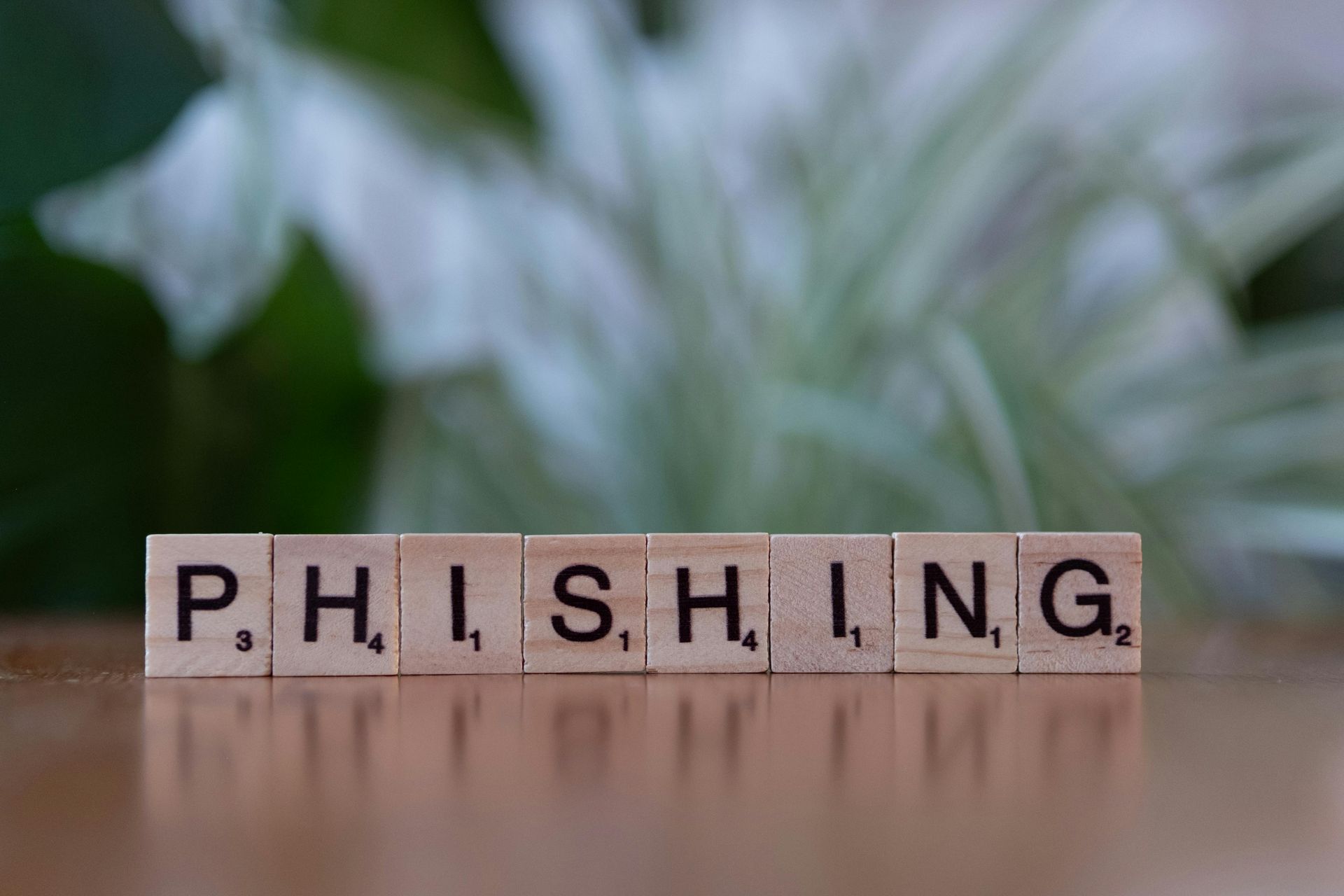
You get an email from your bank. It says there's a problem with your account. Click this link immediately to fix it. You click. You enter your password. Congratulations—you just gave a hacker everything they need to steal your money. That's phishing. And it's the number one way people get hacked. Here's how to spot it before it's too late.

If you've ever had your screen hijacked by a scary pop-up claiming your computer is infected and demanding you call "Microsoft Support" immediately - you're not alone. These scareware attacks are one of the most common issues we see at Top City Tech, and they're getting more sophisticated every day. The good news? There's a simple fix that takes just a few minutes.