
Is Public Wi-Fi Killing Your Business Security?

October 20, 2025

That free coffee shop Wi-Fi might be costing your business more than your latte. Public Wi-Fi is convenient—but it’s also one of the easiest ways for hackers to steal logins, emails, and customer data. Many business owners and employees use it daily without realizing just how risky it can be. Let’s break it down.
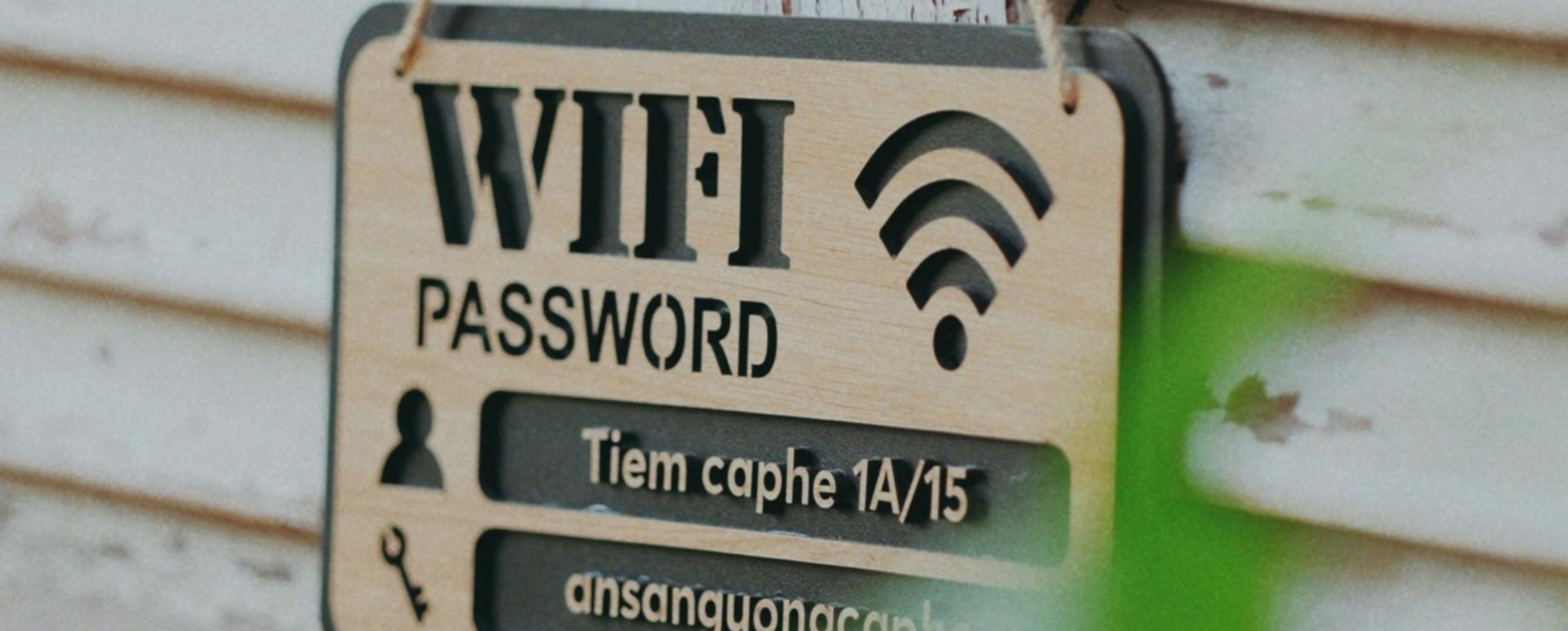
What Makes Public Wi-Fi Dangerous

When you connect to an open Wi-Fi network (like in an airport, hotel, or café), your device is sharing the same network with total strangers. That means anyone on that same network could:


  • See what you’re doing if the connection isn’t encrypted
  • Steal passwords or emails through fake “look-alike” hotspots (like “Free_Coffee_WiFi”)
  • Install malware on your device by tricking you into clicking a pop-up or link


You’d never hand a stranger your work laptop—connecting to unsecured Wi-Fi is basically the same thing.


Real-World Example

A small accounting firm once sent client files while connected to airport Wi-Fi. A hacker intercepted the traffic, stole login credentials, and gained access to their cloud drive. The firm spent weeks cleaning up the mess—and thousands in lost trust and recovery costs.

The scary part? It happened in minutes.


How to Stay Safe

Here’s how to protect your business data without giving up convenience:


1. Use a VPN (Virtual Private Network)

A VPN encrypts your connection so even if someone is snooping, they can’t read your data. Many business-grade antivirus or security suites include this feature.


2. Stick to Secure Connections

Always look for https:// before typing in passwords or making payments. If the site doesn’t have that little lock icon, don’t log in.


3. Turn Off File Sharing and Auto-Connect

Disable “automatically connect to open networks” on your laptop and phone. This prevents your device from hopping on a rogue hotspot without you noticing.


4. Use Mobile Hotspots When You Can

Your phone’s data connection is far safer than public Wi-Fi. If you travel often, consider giving your team a mobile hotspot or data plan for remote work.


5. Educate Your Team

Most data breaches start with human mistakes. A quick 15-minute training on Wi-Fi safety can save your business from major damage.


Bottom Line

Public Wi-Fi isn’t free—it can cost you your data, your reputation, and your customers’ trust. The safest route?

  • Use a VPN.
  • Use mobile hotspots when possible.
  • Teach your staff to think twice before connecting.


A little caution today can save your business from a very expensive “lesson” tomorrow.
December 1, 2025
We've made an exciting change to how we serve our customers at Top City Tech. We are moving away from walk-in or drop-offs at our shop. Instead, we're bringing our expertise directly to you. We are now picking up devices from you, working on them, and returning them to you! Why This Change Benefits You Your time is valuable. We realized that requiring you to pack up your computer, drive to our shop, wait for service, and make another trip to pick it up was costing you hours of productivity. By coming to you, we're eliminating that hassle entirely. Faster turnaround. Without the overhead of managing a retail storefront, we can focus entirely on solving your technical problems quickly and efficiently. Many issues can be resolved on-site during our first visit, getting you back to work the same day. More personalized service. Seeing your technology in its actual working environment helps us provide better solutions. We can address network issues, printer connectivity, and other problems that only show up in your specific setup. How Our New Process Works 1. We Pick Up . Schedule a convenient time, and we'll come to your location to collect your equipment. No packing, no driving, no waiting in line. 2. We Do the Work . Your device gets our full attention in our workshop. We'll keep you updated on progress and any findings along the way. 3. We Return Everything . Once the work is complete, we deliver your equipment back to you, set it up if needed, and make sure everything is working perfectly before we leave. The Bottom Line This transition allows us to provide you with white-glove service that respects your time and delivers better results. You stay productive while we handle the technical heavy lifting. Ready to schedule a pickup? Send us an email, call, or text to get this started. Note : We no longer offer electronics recycling services. For recycling, please contact Mobile Wave Repair or Shawnee County Hazardous Waste to check on availability and capacity.
November 20, 2025
You've got Bitwarden set up. Your passwords are saved. Now what? Websites change. You need to update passwords. You want to add new accounts. Here's how to manage everything in Bitwarden.
November 20, 2025
You've been using your web browser to save passwords—Chrome, Edge, or Firefox has been remembering them for you. Now you want to move all those passwords into Bitwarden so they're more secure and work across all your devices. Good news: you don't have to type them all in manually. Here's how to move them over.